Listening practice that sounds and behaves like test day.
A single, full-width listening interface — audio, instructions and questions in one continuous flow, scored the moment a student submits.
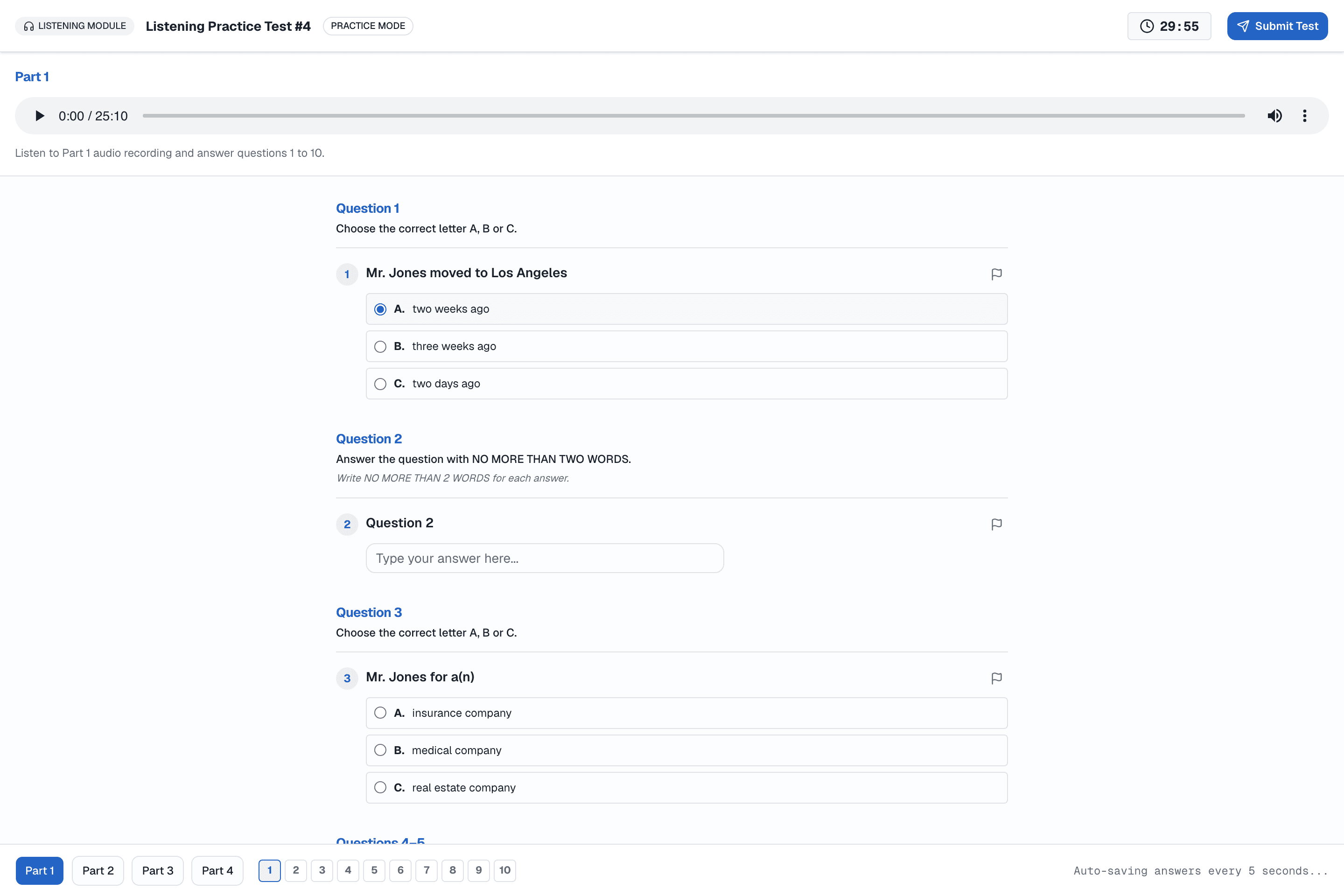
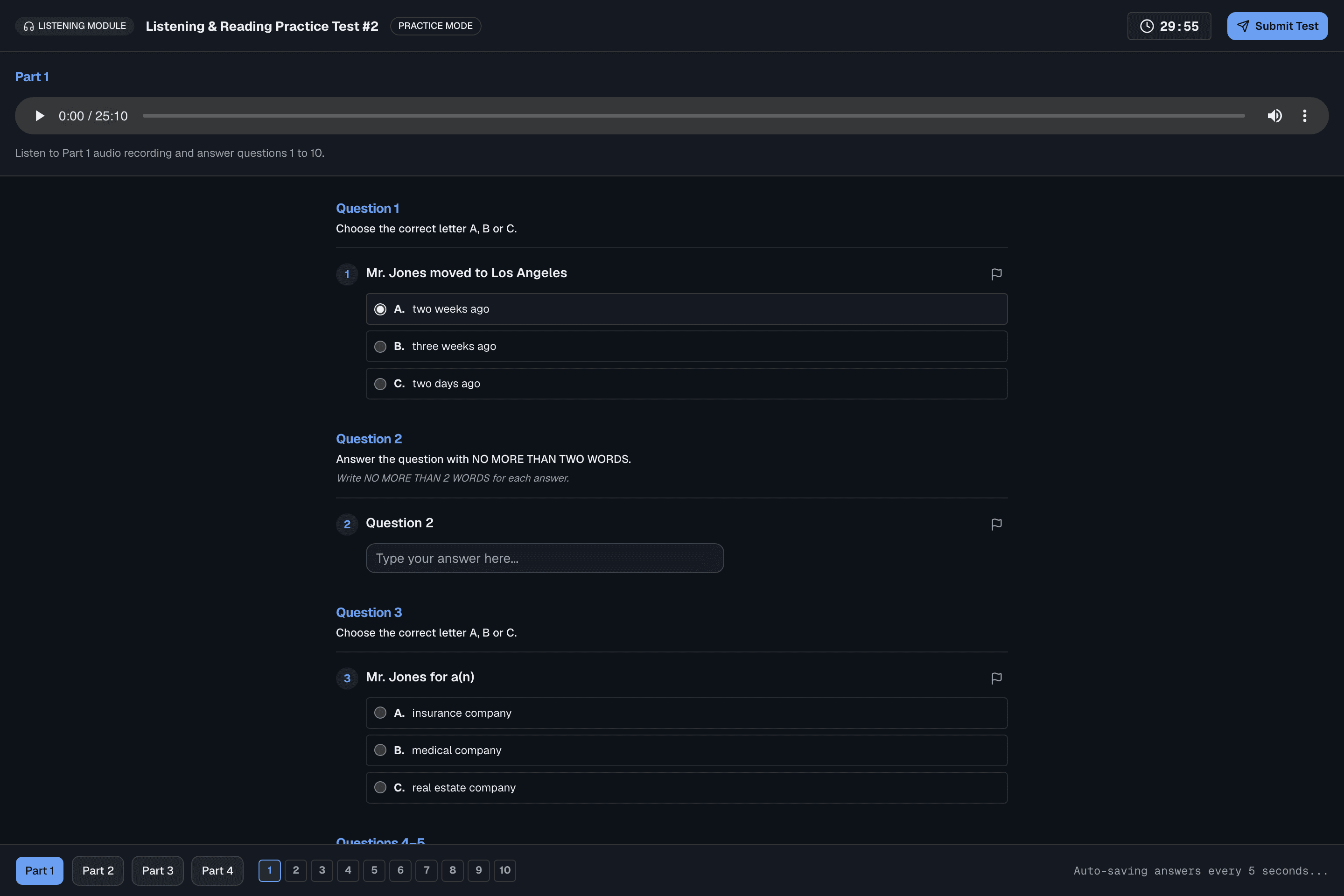
What students experience
Built directly on the same audio-delivery and question-navigation model as the official exam.
Authored in the test builder
Upload audio, write the transcript, and configure question groups — all in one screen.
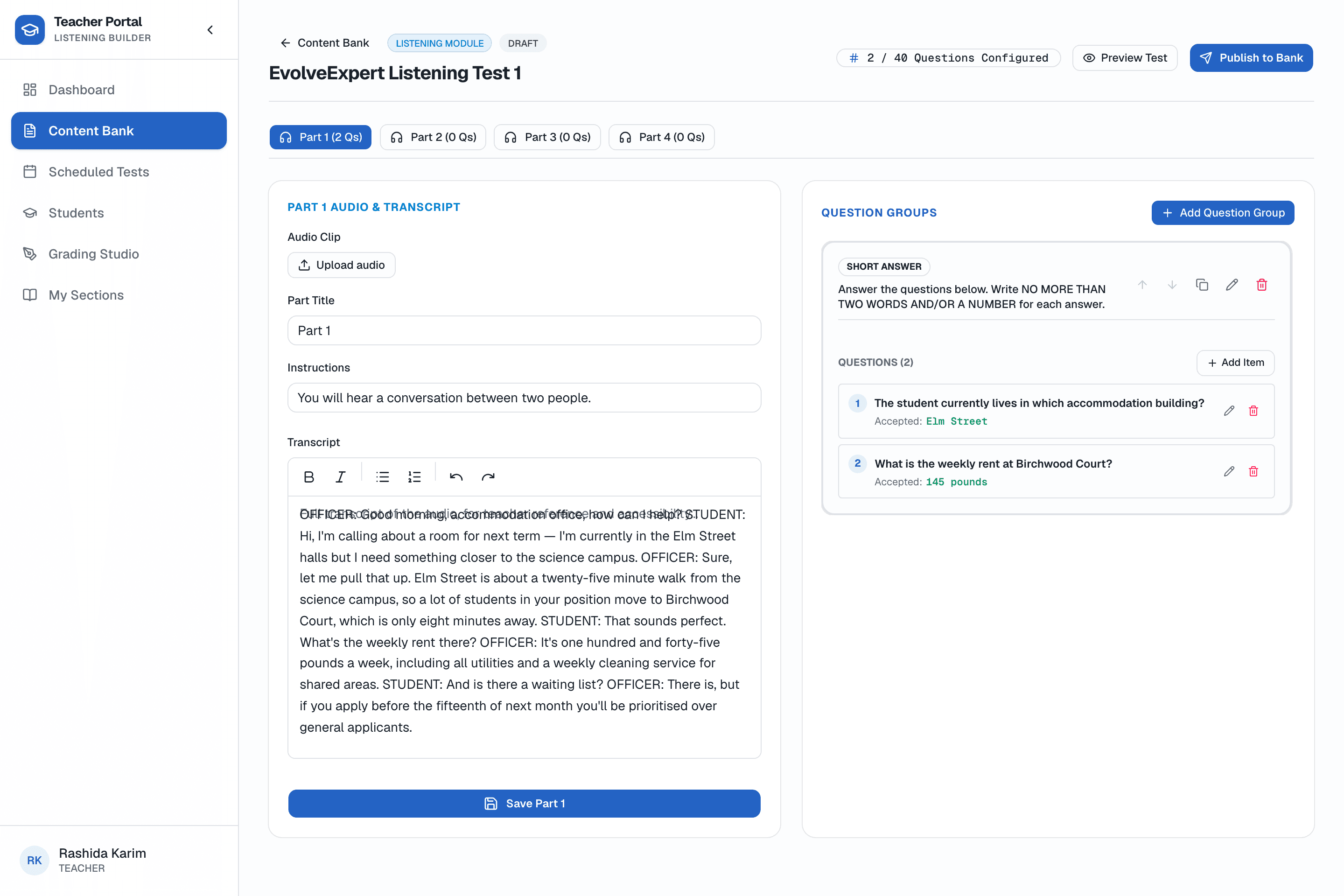
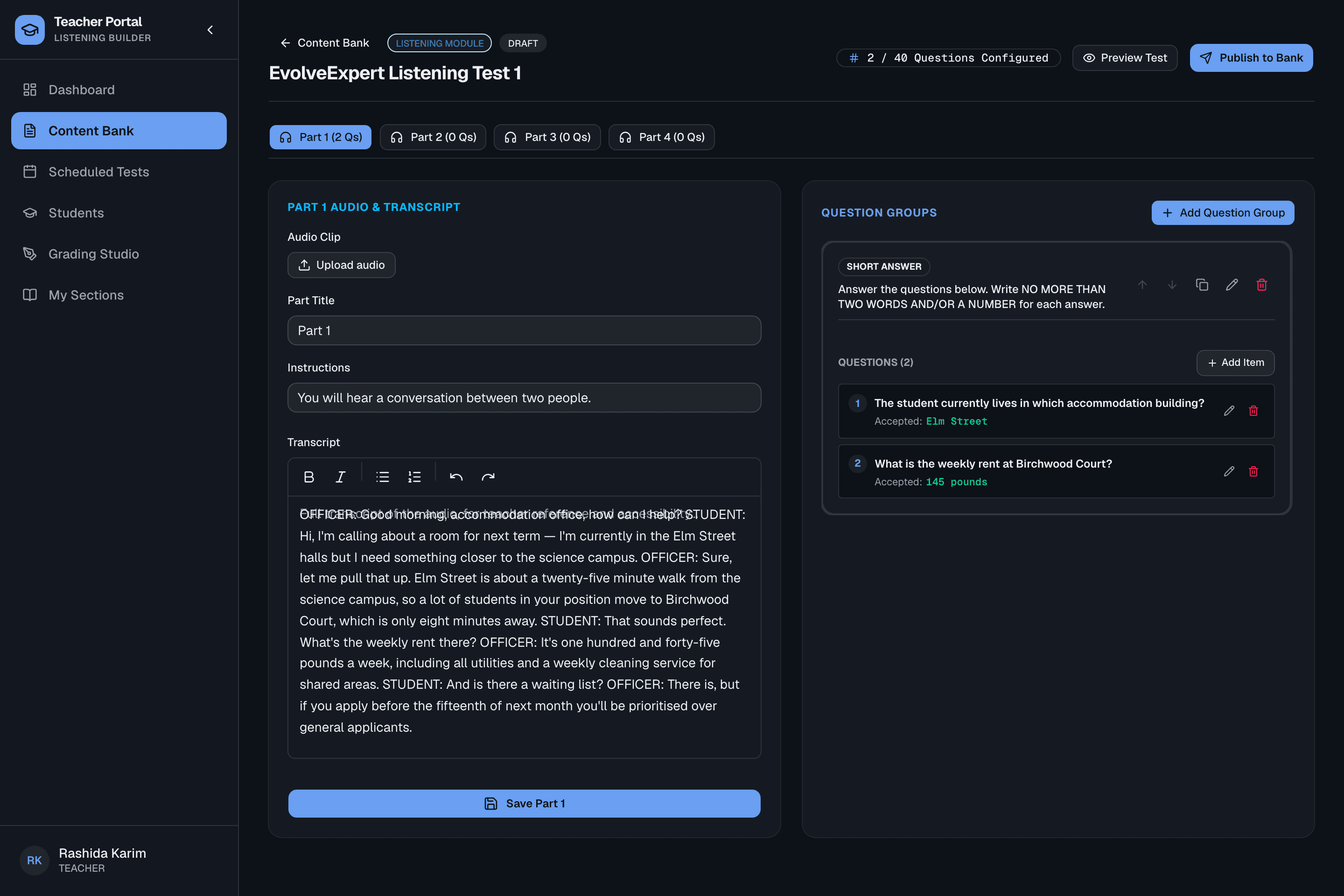
What teachers get
No manual marking for Listening — teachers author the answer key once and every attempt is scored automatically.
Supported question types
The 10 official IELTS Listening question types, all authored through the same test builder.
Frequently asked questions
What audio formats can teachers upload?
Standard institute-recorded or licensed audio files upload directly in the test builder — the player then handles playback, seeking and volume exactly as students expect on test day.
Can a part have questions before its audio is uploaded?
Yes. Audio and questions are configured independently, so teachers can write question groups first and attach the recording whenever it is ready.
How is Listening scored?
Automatically. Every answer is checked against the answer key your teachers author once in the test builder, the moment a student submits.
Does the transcript give away the answers?
No — it is collapsed by default and intended for accessibility needs, not as a shortcut, matching how the real computer-delivered exam presents it.
Ready to see it running for your institute?
We'll set up your portal with your own branding, teachers and student seats.